Create an MCP Server with a Custom API in Cequence AI Gateway
1. Navigate to https://aigateway.cequence.ai/login
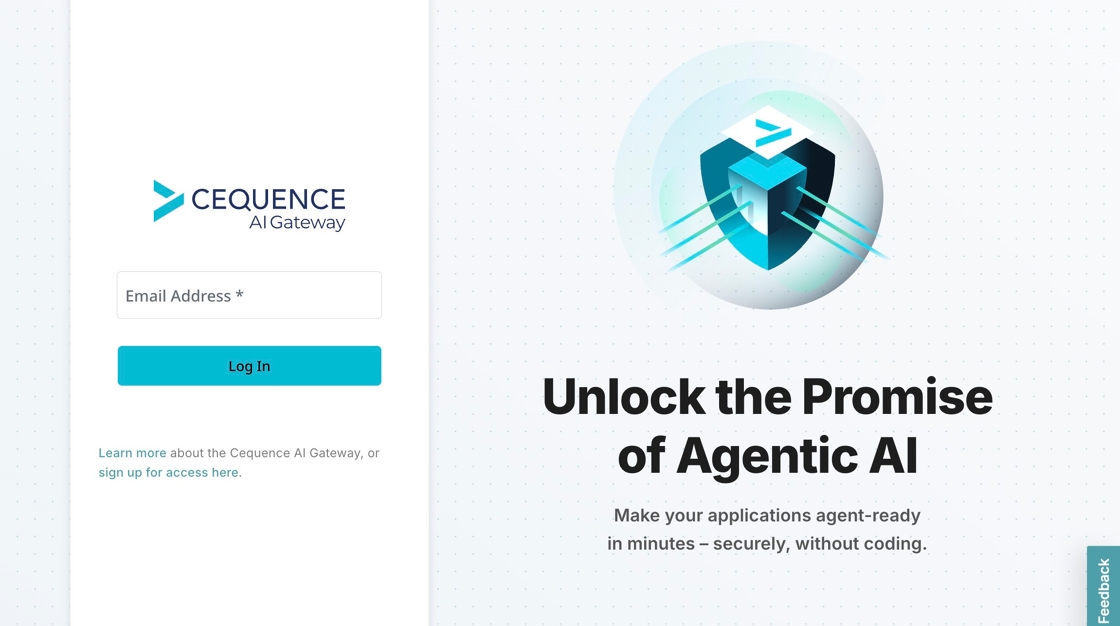
2. Enter Email Address
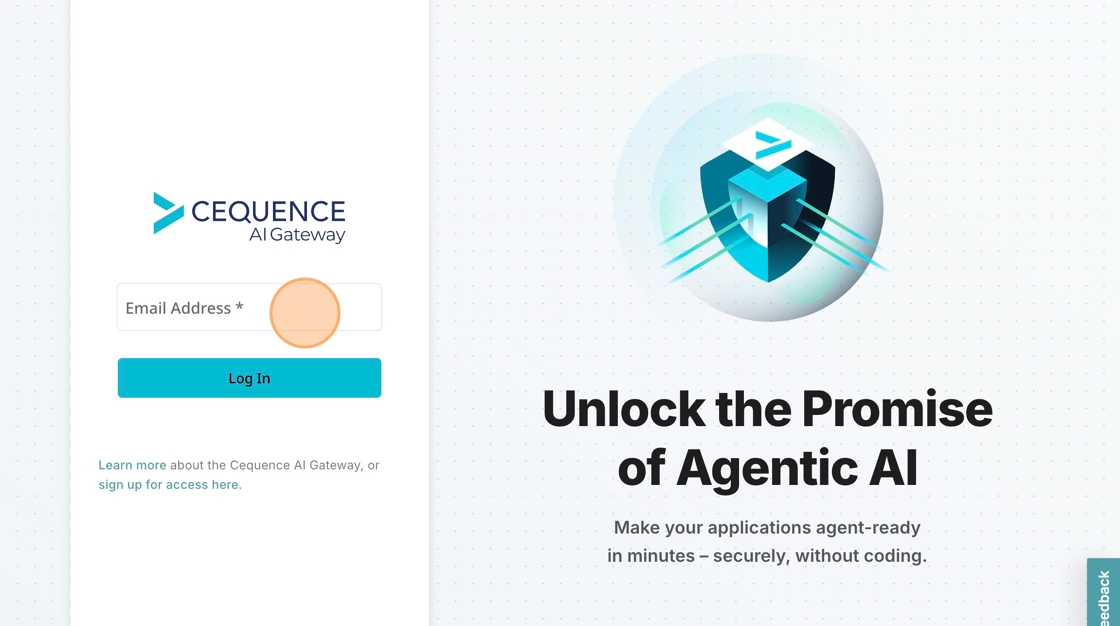
3. Select "Log In"

4. Choose Tenant

5. Select "Create MCP Server"

6. Select "Custom"

7. Select "Choose File"

8. Select the "API Name *" field and name your API

9. Select "Upload"

10. Select "App Catalog"
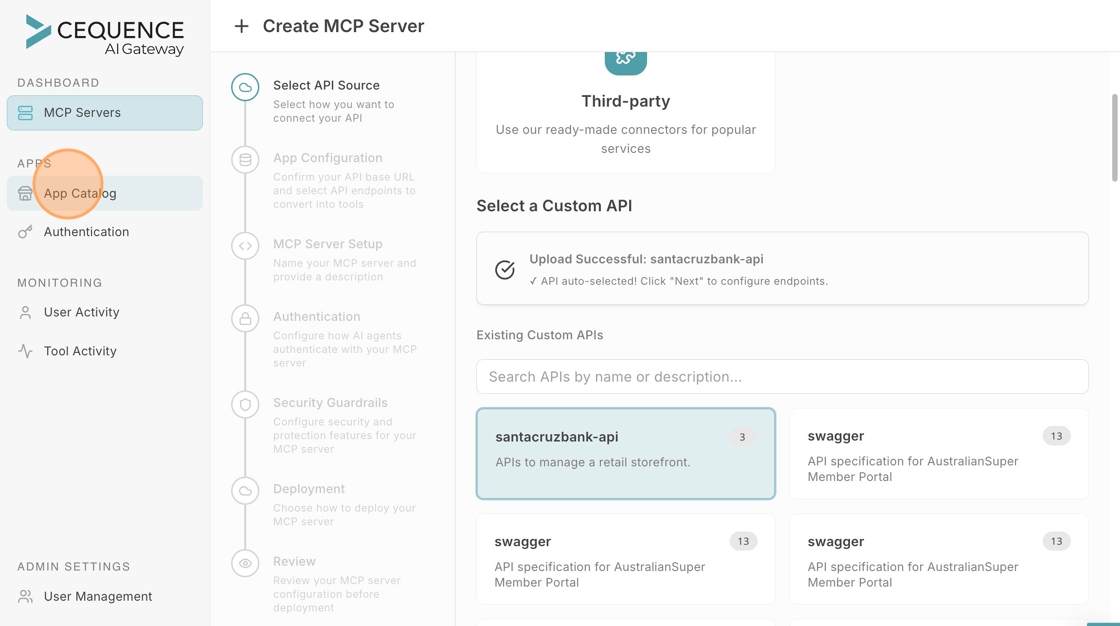
11. Select "All Types"

12. Select "Custom"

13. Select the "Search" field.

14. Select your uploaded app
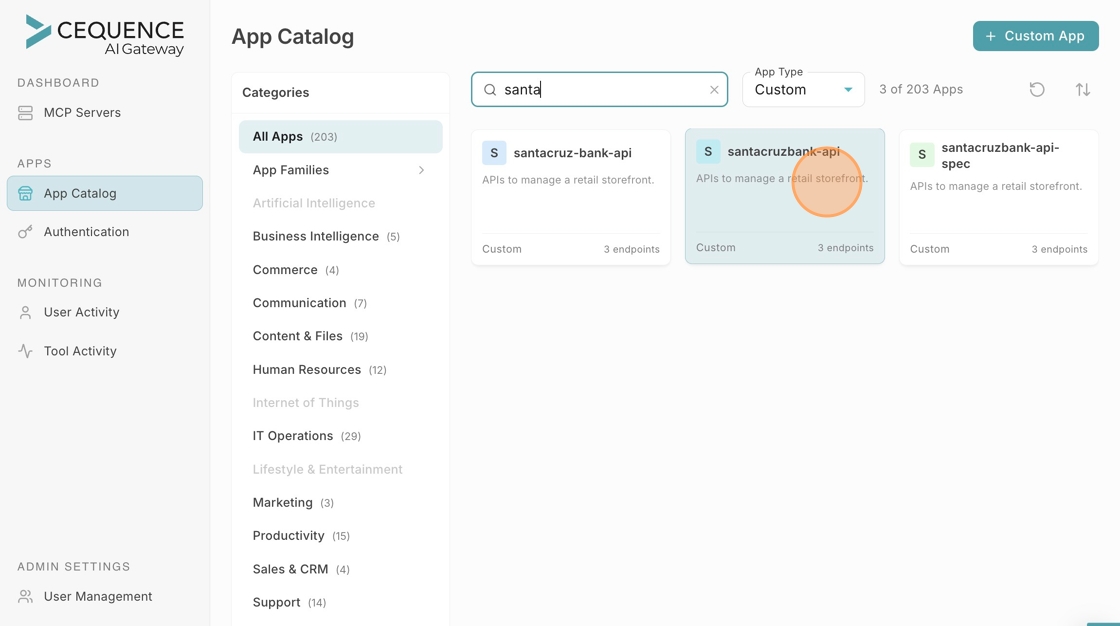
15. Select "Create MCP Server"

16. Enable required endpoints

17. Select "Next"

18. Name your MCP
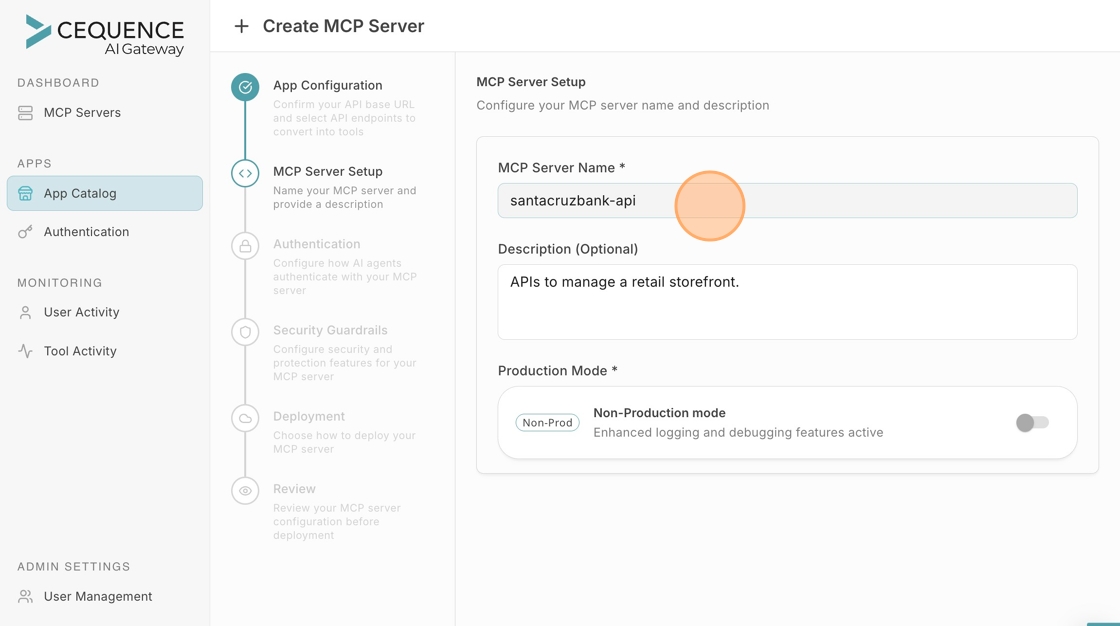
19. Select "Next"

20. Select "Change method"

21. Select your Authentication Type

22. Select "Next"

23. Select "Next"

24. Select "Next"

25. Select "Create & Deploy"

Copyright © 2026 Cequence Security
Cequence AI Gateway
Cequence AI Gateway